Short answer: it depends on what you download and what you do with it, and the two rulebooks involved (copyright law and YouTube's Terms of Service) are different things that people constantly mix up. This guide untangles them in plain language. It is general information, not legal advice; laws differ by country and change over time.
Two separate rulebooks
Rulebook 1: YouTube's Terms of Service. YouTube's ToS says you should not download content unless YouTube provides a download button (as it does for Premium offline viewing and for your own uploads via YouTube Studio). Breaking a website's ToS is a contract issue between you and YouTube. The realistic worst case is action against your account, not a courtroom.
Rulebook 2: Copyright law. This is the actual law of your country, and it cares about whose content it is and what you do with it. Downloading copyrighted work without permission can infringe copyright regardless of what any ToS says, and downloading your own work can be perfectly legal regardless of the ToS too.
Clearly fine: the green zone
- Your own videos. You own the copyright to your uploads. Downloading them back, via YouTube Studio or any tool, is your right. Many creators use a downloader to recover masters after a hard-drive failure.
- Creative Commons content. Videos published under CC licences are explicitly licensed for reuse (with conditions, usually attribution). YouTube even has a CC filter in search.
- Public domain material. Old films, government footage and NASA video. With no copyright in force, downloading them is fine.
- Content with the owner's permission. If the creator says you may download it, you may.
The grey zone: personal offline use
Downloading a copyrighted video purely for private offline viewing sits in a legal grey area that differs by country:
- Several European countries have a private copy exception that permits copies for strictly personal use (often funded by levies on storage media).
- In the US, private-use copying is not clearly permitted; some argue fair use, but that has never been settled for stream downloading. In practice, enforcement against individuals downloading for personal viewing is essentially unheard of. Legal attention has always focused on the people distributing content or operating at commercial scale.
- Circumventing technical protection measures (DRM) is separately illegal in many places, but standard YouTube streams are not DRM-protected in that sense; that concerns services like Netflix.
Clearly not fine: the red zone
- Re-uploading someone else's video as your own content, textbook infringement, and the fastest way to a copyright strike.
- Downloading music/films to avoid paying for them where a paid option exists. This is the piracy scenario the law is squarely aimed at.
- Using downloaded content commercially, in ads, monetised videos, products, without a licence.
- Distributing downloads to others, even free: distribution is treated far more seriously than possession everywhere.
What about converting to MP3?
The format does not change the analysis. Converting a video you may lawfully download (yours, CC, public domain) with a YouTube to MP3 converter is as fine as the download itself. Ripping commercial music to dodge buying or streaming it is the red zone, whatever the file extension. One practical nuance: plenty of MP3 conversion is unambiguously legitimate, podcasts, your own uploads, lectures, CC music, which is exactly what tools like ours are for. For a step-by-step version, where to find licensed audio, how to check a licence, and how to credit it, see how to convert YouTube to MP3 legally.
Are downloader sites themselves legal?
The tool is neutral technology, like a photocopier or a video recorder, both of which courts long ago accepted despite their capacity for infringement. Sites get in trouble when they build a business specifically around infringing use (the big music-ripping site lawsuits you may have read about). Responsible tools state clearly what they are for: downloading content you own or are licensed to use.
Where to find audio you can legally convert
Rather than grabbing something and hoping, it is easier to start from material that was meant to be reused.
Your own channel is the simplest case. You hold the copyright to everything you uploaded, so pulling the audio back off it is entirely your call, whether you are recovering a podcast master after a drive failure or lifting the sound from something you filmed yourself.
YouTube's own Audio Library, inside YouTube Studio, is the safest source there is. Thousands of tracks and sound effects, free to use, and many require no attribution at all. If you need music for your own videos, start there and the question never arises.
Creative Commons uploads are the third route, and YouTube will filter for them. Run your search, open Filters, and under Features choose Creative Commons. Every result is then CC BY.
Checking a licence takes about twenty seconds
Before converting anything that is not yours, confirm the licence. Open the video, click "...more" under the title to expand the description, and look for the Licence line near the bottom. It will say either "Standard YouTube Licence" or "Creative Commons Attribution licence (reuse allowed)". That one line settles the question.
For music specifically, read the description properly as well. Artists often set their own terms, and those can be stricter or looser than the licence field suggests. A note saying "free for non-commercial use with credit" is the artist telling you exactly what they will accept.
If the licence requires attribution, credit it properly. The usual shorthand is TASL: title, author, source, licence. In practice that looks like: "Sunrise Sessions" by Jane Doe, from YouTube, licensed under CC BY 4.0, with the title linked to the original video. If you converted the file purely to listen to it yourself, no public credit is needed. The moment it appears in something you publish, the attribution has to travel with it. That distinction is the whole difference between reuse and infringement, even when the audio was free.
Is the downloader itself safe? A separate question
Legality and safety get confused constantly, but they are different problems. A tool can be perfectly legal to use and still be a bad idea to visit. Five risks account for almost everything that goes wrong, and none of them is the MP3 file itself.
- Fake download buttons. The oldest trick there is: ad banners styled as large green Download buttons sitting above the real one. A site that cares keeps its ads visually distinct from its converter.
- Bundled installers. If a converter wants you to run an .exe, a .dmg or a "codec pack" first, that installer is the actual product and you are the target. Conversion happens on a server. A web converter has no legitimate reason to need software on your machine.
- Login phishing. Anything promising private video downloads in exchange for your Google password is harvesting accounts. No real downloader ever needs your login.
- Scareware overlays. "Your device is infected" pop-ups pushing a phone number or an antivirus download.
- Notification spam. Forced permission prompts that turn into a stream of ads later.
Close the tab if you are asked to install a browser extension to continue, asked for a Google password, handed an .exe, .msi, .apk or .dmg, buried in pop-ups, or if the site has no About, DMCA or contact page anywhere. That last one is quietly the most telling: a site unwilling to say who runs it is telling you something.
The files themselves are a much smaller worry than people assume. An MP3 or MP4 is data, not a program, and modern players do not execute it. The danger is almost always what you were persuaded to click next to the download, not the download.
Practical guidelines
- Download your own content freely. It is yours.
- Check for a Creative Commons licence when you want to reuse anything.
- Personal offline viewing of public content is low-risk in practice, but know it may breach YouTube's ToS even where the law allows a private copy.
- Never re-upload, monetise or share other people's content without permission.
- When it matters commercially, get the licence in writing, or ask a lawyer in your country.
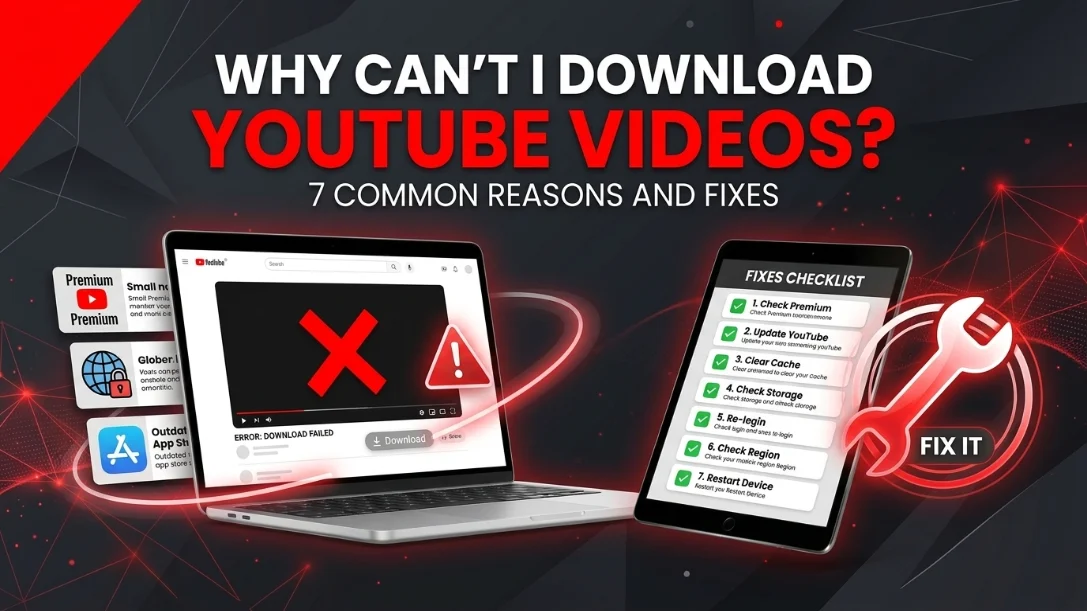
Related reading: why some videos refuse to download (restrictions are often the reason) and how to extract audio cleanly once you have confirmed you are in the green zone.