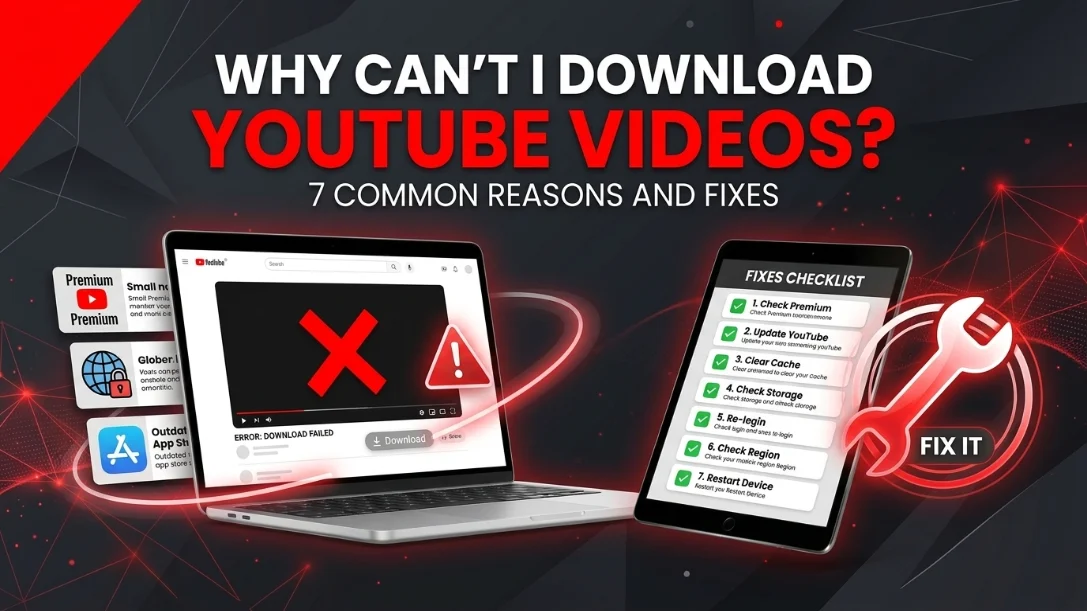
You paste a link, hit Download, and… nothing. Or an error. Or a file that never finishes. Download problems almost always come down to one of seven causes, and every one of them has a fix. Work through this list from top to bottom and you will almost certainly find your culprit.
1. The video is private or unlisted-restricted
A downloader can only fetch what YouTube is willing to serve publicly. If a video is private, only accounts the uploader approved can view it. No download tool can reach it, full stop. Unlisted videos usually work fine (the link itself is the key), but if the uploader has additionally restricted embedding or access, the fetch can fail.
Fix: open the link in an incognito/private browser window while logged out. If YouTube itself will not play it, no downloader will either. Ask the uploader to make it public or unlisted.
2. Age-restricted content
Age-restricted videos require a signed-in, age-verified YouTube account before YouTube will serve the stream. Most web downloaders, including ours, operate without your login for privacy reasons, so YouTube refuses to hand over the video.
Fix: there is no reliable workaround that does not involve handing over account credentials, which we deliberately never ask for. If the content matters to you, contact the creator or look for a non-restricted re-upload from the same official channel.
3. Region-locked videos
Some videos are only licensed for certain countries. Our servers sit in a specific region, so a video blocked there cannot be fetched even if it plays fine where you are, and the reverse can also happen.
Fix: check the video on a site like a region-checker or simply try again later; licensing windows change. If a video plays for you but fails to download, region lock on the server side is a likely reason.
4. Livestreams and premieres that are still running
A livestream is not a file yet. It is a growing broadcast. Most downloaders (ours included) can only process a stream after it has finished and YouTube has packaged the replay.
Fix: wait until the stream ends. The replay usually becomes downloadable within a few minutes to a few hours, once YouTube finishes processing it. Very long streams can take longer, and some streamers delete or trim replays, in that case only the trimmed version exists.
5. The URL is malformed or points to the wrong thing
Links copied from apps often carry tracking junk, playlist context or timestamps. A link like youtube.com/playlist?list=… points at a playlist, not a video; a Shorts share link sometimes redirects oddly; a channel URL is not downloadable at all.
Fix: open the video, copy the clean URL from the browser address bar (it should contain watch?v= or /shorts/), and paste that. For whole playlists use our playlist downloader; for Shorts the Shorts downloader handles the format natively.
6. Very long or very high-resolution videos time out
A 4-hour concert at 1080p is a multi-gigabyte job. The server has to download it from YouTube, convert or merge it, and stream it back to you, on a slow leg anywhere in that chain, the job can exceed sensible time limits.
Fix: pick a lower resolution (720p is usually indistinguishable on a phone, and the measured file sizes show what each step saves) or, for audio, a lower bitrate via the YouTube to MP3 converter. If you really need hours of 1080p, download in parts if the uploader provides chapters as separate videos.
7. Your browser or network is interfering
Ad blockers, strict privacy extensions, corporate firewalls and download managers can all break the final hand-off, the moment the converted file streams back to your device. Symptoms: the progress bar completes but no file appears, or the download dies at 99%.
Fix: try an incognito window with extensions disabled, a different browser, or a different network (switch from office Wi-Fi to mobile data, for example). On iPhone, make sure you are using Safari, it handles file downloads most reliably and saves to the Files app.
The download worked but there is no sound
This one deserves its own section, because it is common, it looks like a broken download, and it is usually not.
Start with the embarrassing possibility and rule it out first: the player or the device is muted, or on an iPhone the physical silent switch is on. It takes five seconds to check and it is the answer more often than anyone admits.
After that, there are three real causes and they have different fixes.
The file has no audio track at all. For anything above 720p, YouTube stores the picture and the sound as two separate streams and the player merges them as you watch. A poorly built downloader grabs only the video stream and hands you a silent file. No player setting will rescue that, because there is nothing to play. The test is to open the file in VLC and look at the audio track list: if it is empty, the download was video-only. Our own converter merges both streams with FFmpeg on the server before the file ever reaches you, which is why a download from here arrives with its soundtrack already in it.
Your player cannot decode the audio. The container, whether MP4, WebM or MKV, is just a box. What is inside can be AAC, Opus, Vorbis and others. Older smart TVs, car head units and stock phone players frequently cannot decode Opus, which is common in WebM files, so they show the picture and silently skip the sound. The giveaway is that the same file plays perfectly in VLC on a laptop. The fix is to download as MP4, which pairs H.264 with AAC, the combination that plays on essentially everything.
An editor imports it silently. If the file plays fine but goes quiet the moment you drop it into Premiere, DaVinci or CapCut, that is the same codec problem wearing a different hat. Either convert to MP4 with AAC first, or pull the audio out separately with the MP3 converter and lay it under the clip. Editors handle MP3 universally.
One case has no fix at all: some source videos have no usable audio to begin with, whether the uploader muted the track or the copyright system stripped it. If the original is silent on YouTube, nothing downstream can bring it back.
Still stuck? A 60-second checklist
- Does the video play in an incognito window while logged out? If not, private/age/region restricted.
- Is the URL a clean watch?v= or /shorts/ link? Strip everything after the video ID if unsure.
- Is it a finished video, not a running livestream?
- Try a lower quality option. If that works, the original pick was too heavy for the connection.
- Try another browser or network. If that works, an extension or firewall was the problem.
Nine times out of ten, one of these seven causes is behind a failed download. If a public, finished, normal-length video still refuses to download, it may be a temporary glitch on YouTube's side or ours, waiting ten minutes and retrying fixes a surprising number of cases. And if you only need the soundtrack rather than the video, converting with the MP3 converter is a smaller, faster job that succeeds where a large MP4 sometimes struggles.
Reminder: only download content you own, have permission to use, or that is freely licensed, details in our guide on whether downloading YouTube videos is legal.